
Admin Panel Overview
The Admin Panel is where you configure and manage your Aeris system.
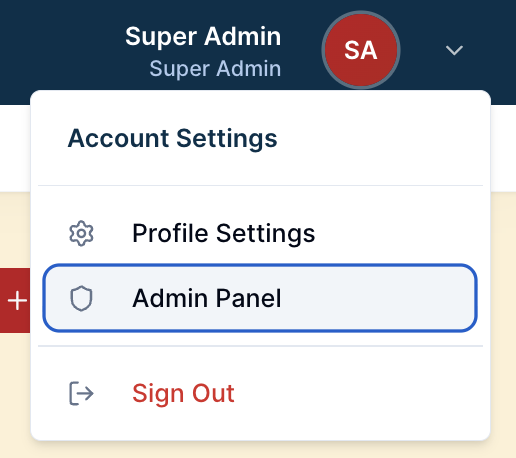
Accessing Admin
Click the Admin Panel link (gear icon)
Only users with admin access can enter
The admin dashboard appears
What's in Admin
User Management
Create and manage user accounts
Assign roles and permissions
Reset passwords
System Settings
Company information
Receipt settings
Tax configuration
Payment methods
Inventory Management
Products
Stock movement
Categories
Purchase Orders
Receivings
Suppliers
Reports & analytics
Reports & analytics
Custom Reports
Operations
Repairs
Sales & Orders
Customers
Sales
Sale items
Equipment Hires
Hire Rates
Purchasing
Invoice Processing
Variances
Order Suggestions
System Tools
Data Imports
Communications
Notification Templates
Notification Logs
Bulk Messages
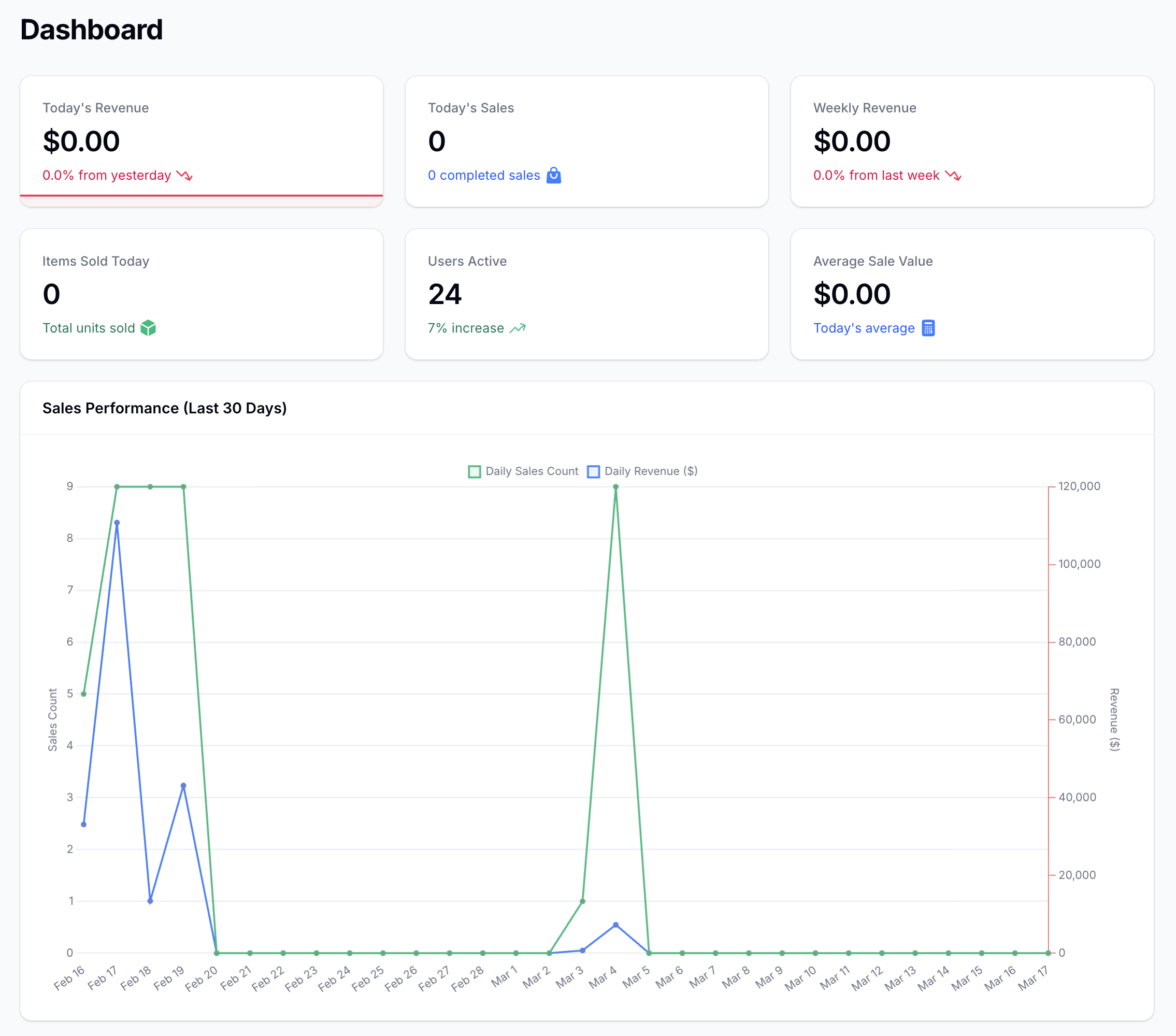
The Admin Dashboard
The dashboard shows Recent Sales and Product Performance
Tips
Ensure your data is backed up regularly through settings.
Review activity logs to monitor system usage.
Test configuration changes in quiet periods.